Management system for gyms and functional training boxes (CrossFit)
Memberships, class timetable, member bookings and the workout of the day.
From PLN 49 per month excl. VAT, the first month free of charge Pricing

Timetable and online bookings
Members book places from their phones. A freed-up place automatically passes to the next person on the waiting list, who is notified.

Memberships and class packs
Class packs, time-based memberships and freezing them. Reminders about expiring memberships sent with one button.

Membership, bookings and entry on the phone
Each member has their own account at the club and sees only their own matters.
- Class bookings with a waiting list
- Membership status and validity
- A door code in the app, where the club has a reader at the entrance
- Results and personal bests

Entry by card, phone code or remotely
Only people with a valid membership get in with a card or a code.
- Card or code
- Valid membership
- Door opens
- The card works even when the club is offline
- When the membership ends, the card stops working by itself
- The owner opens the door remotely, from their phone
- Every entry is recorded in the history
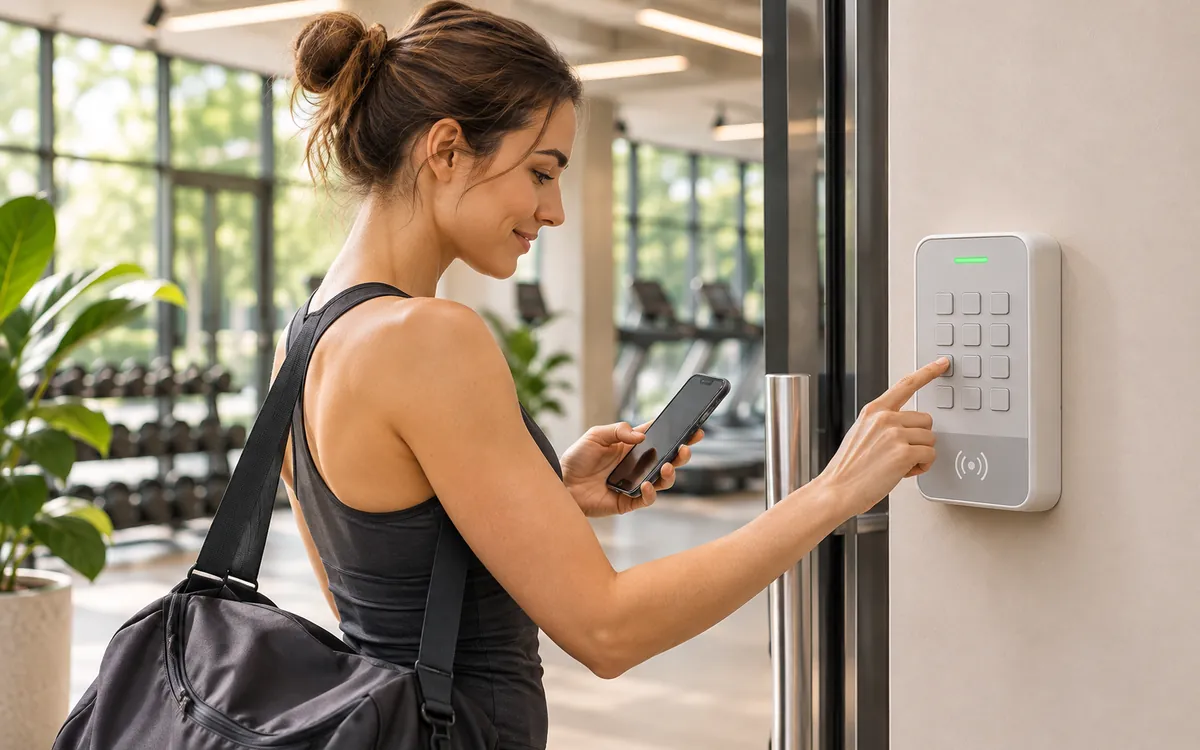
What it looks like at the club
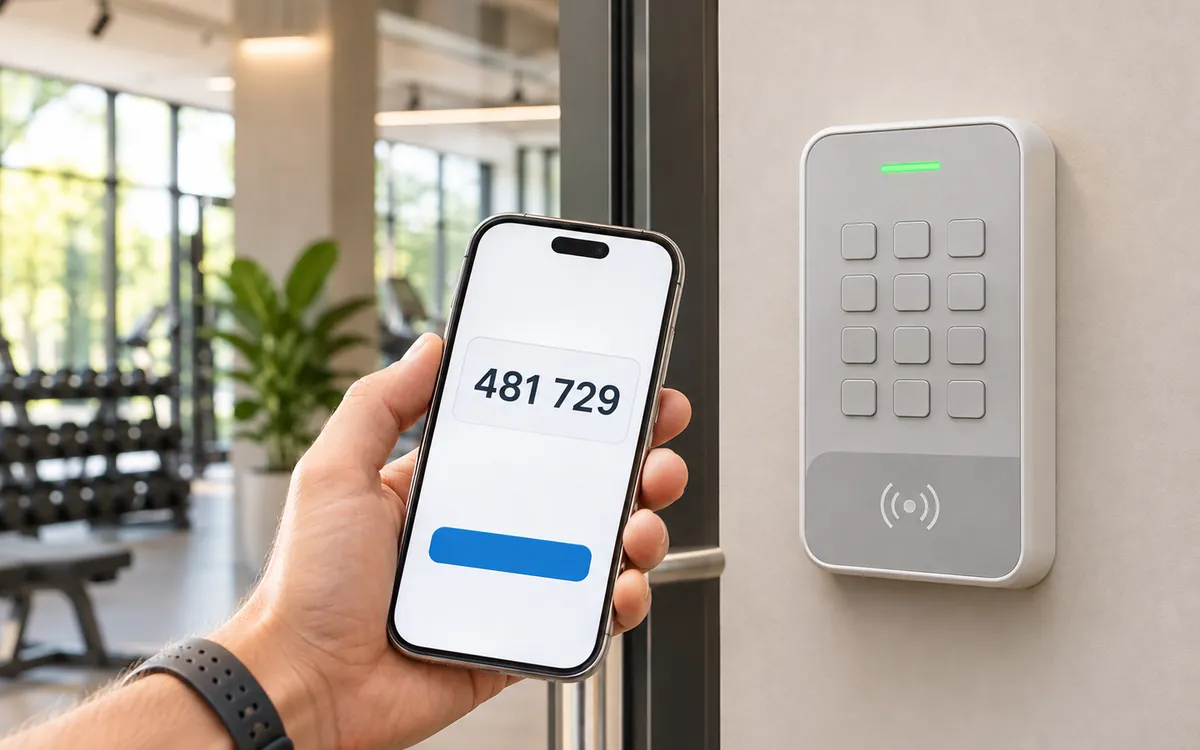
Without a card
A new member or a forgotten card? The door code is in the app.
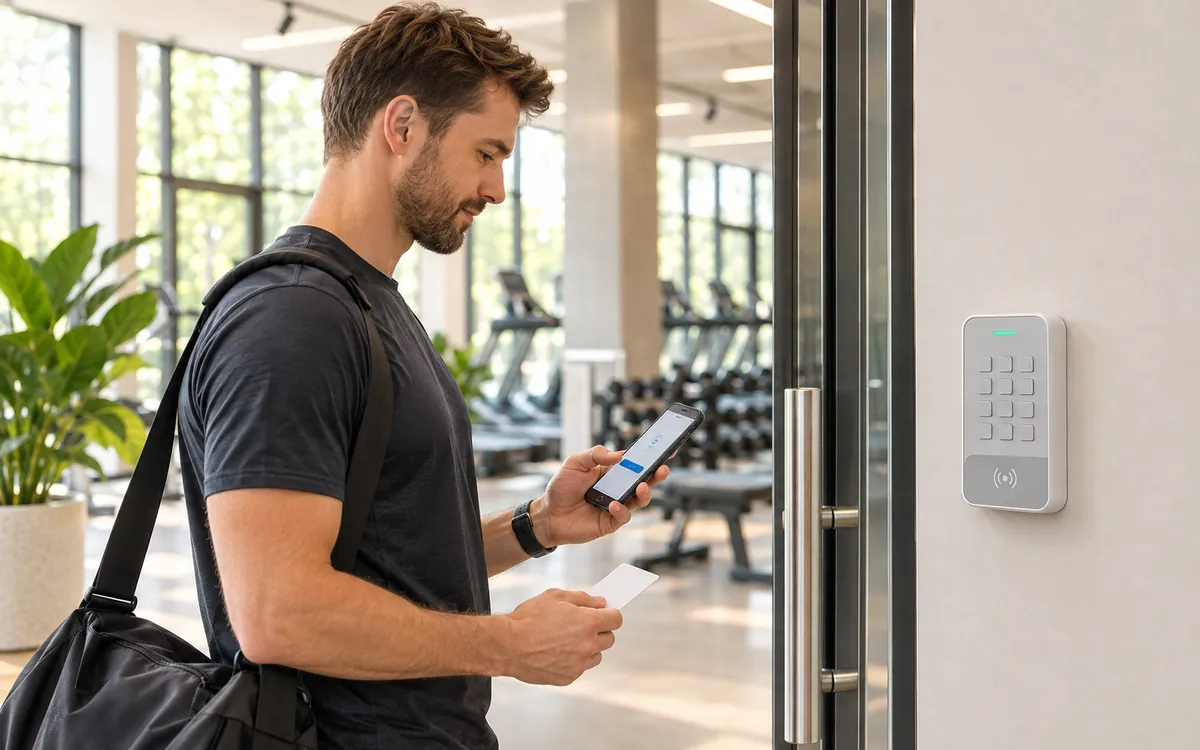
Membership ended
The card stops opening the door. After renewal it works again.

Lost card
The club switches it off in the app and hands out a new one.
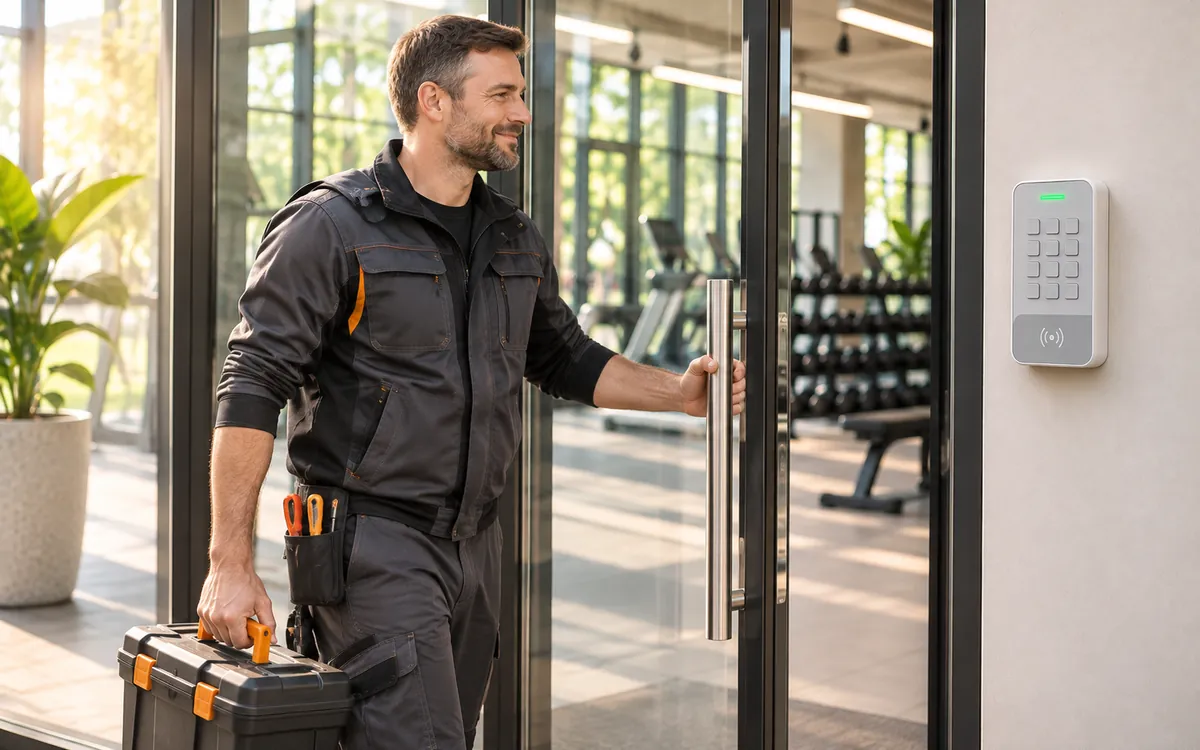
Owner away from the club
The owner opens the door from their phone, for example for a technician.
Off-the-shelf hardware
We help choose a compatible model and connect it to the system.
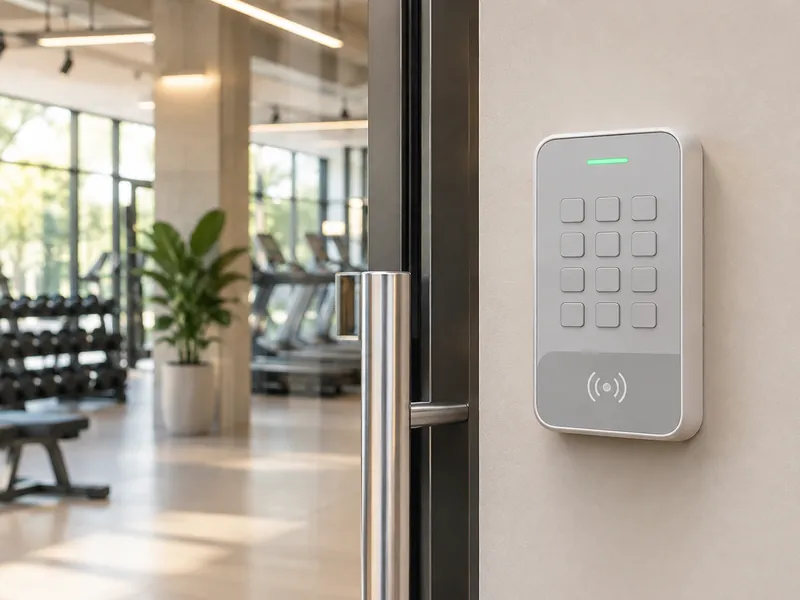 Door reader
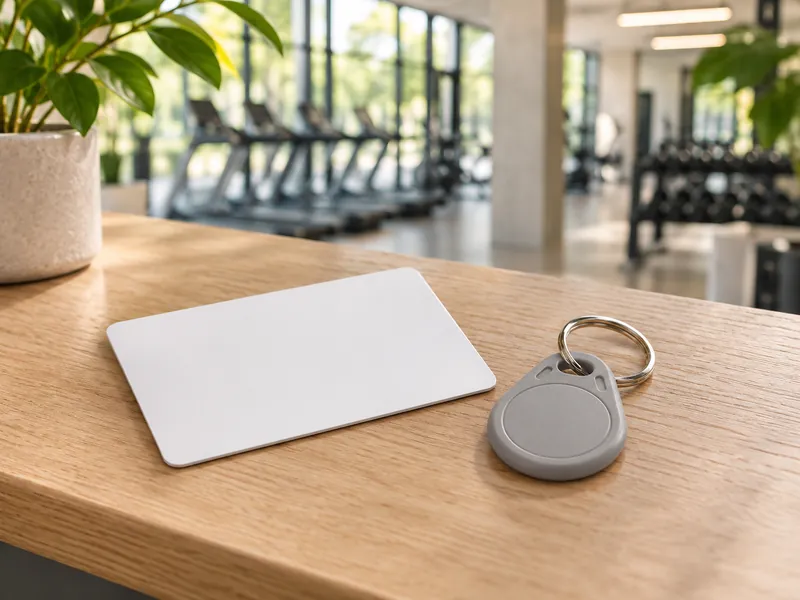 Card or key fob
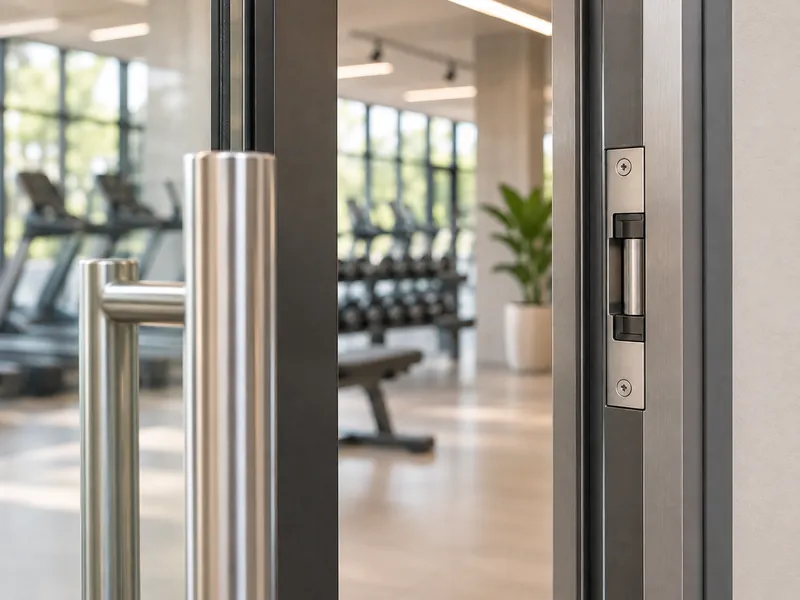 Lock in the door frame
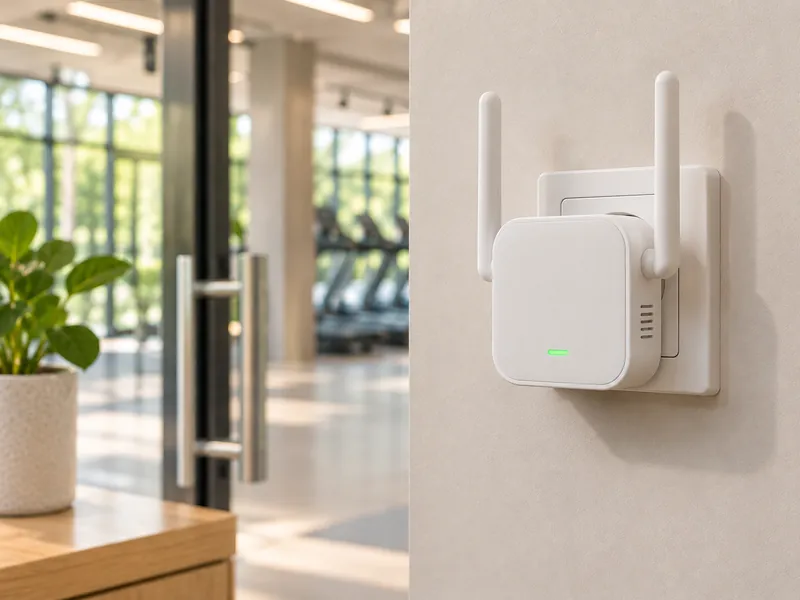 Reader Wi-Fi module
Other features
- Workout of the day (WOD) on the screen in the room
- Check-in kiosk at the entrance
- Shop and bar at the front desk
- Cash desk and costs
- Email campaigns to members
- Results and records
- Discount codes
Other disciplines






See the system through a demo club
Give us the club’s email and tax ID (NIP). We will prepare a demo club with sample data and send you a link.
The platform’s interface is currently available in Polish.
Already have an account? Sign in